1. 핸드폰 설정 > 개발자옵션 활성화
2. 개발자옵션 > USB 디버깅 활성화
3. 컴퓨터와 핸드폰 연결
4. 컴퓨터 크롬에서 chrome://inspect/#devices 검색
5. inspect 필요한 사이트의 inspect 클릭 - 모바일 로컬에서 테스트 진행하면 콘솔 볼 수 있음
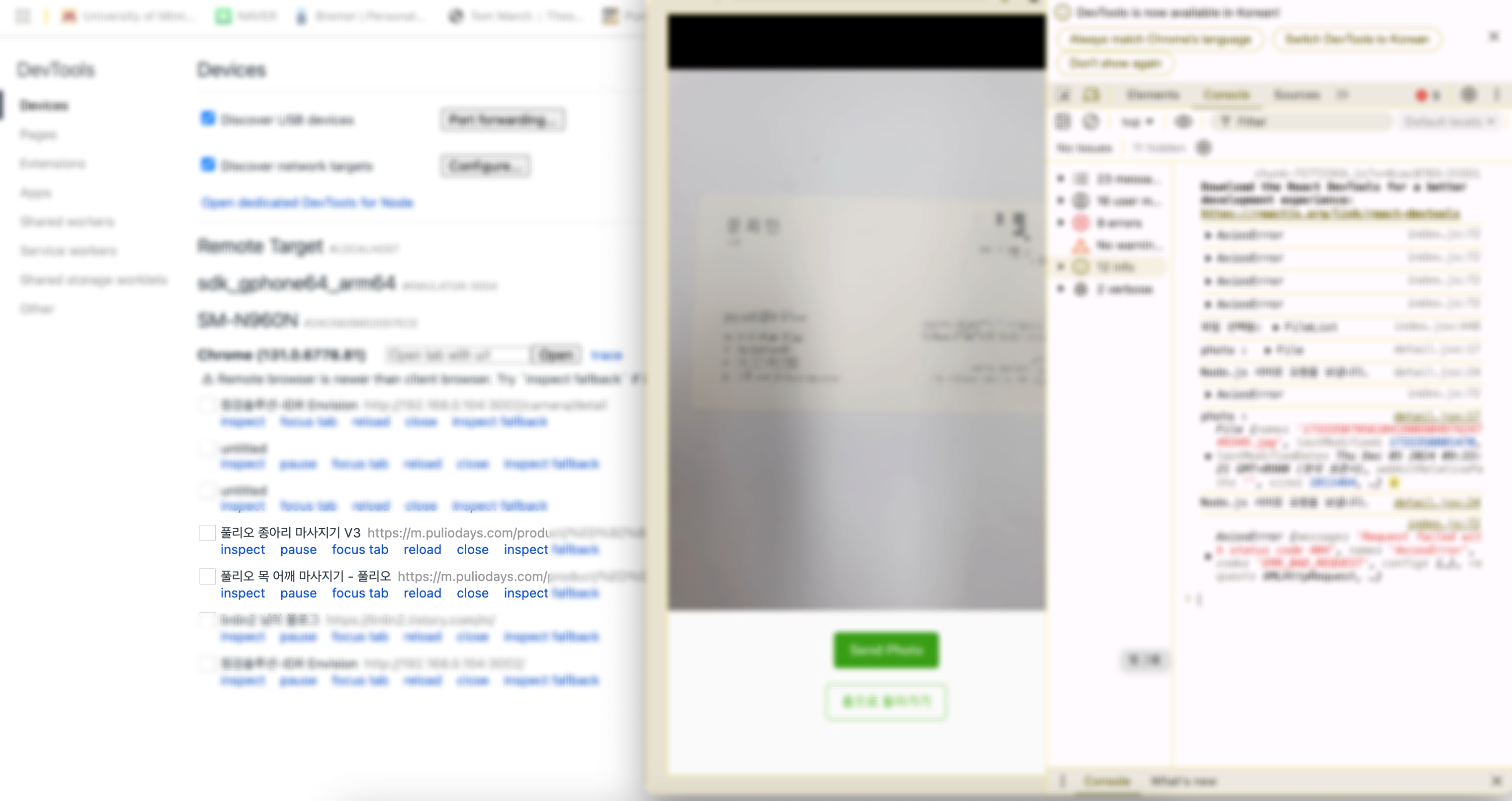
+ 여기서 안되면 USB Driver 설치
https://developer.samsung.com/android-usb-driver
Samsung Android USB Driver | Samsung Developer
You need the driver only if you are developing on Windows and want to connect a Samsung Android device to your development environment over USB.
developer.samsung.com
'개발' 카테고리의 다른 글
| [갤럭시 노트 QR] 카메라로 QR 인식했는데 인터넷이 열리는게 아니라 노트가 열렸다??? (0) | 2025.04.10 |
|---|---|
| Microsoft Remote Desktop - 맥북에서 윈도우 원격접속하는 방법 (0) | 2025.01.13 |
| Google Dataset Search로 모델 학습 + 영상 분석 첫걸음 (Shape) (0) | 2025.01.13 |
| [에러] text/html MIME (0) | 2024.12.03 |
| electron + React + Vite 사용기 (0) | 2024.11.20 |

